Additional tools and functions
A number of additional editing options and functions are available. Click on the Other actions  button to access it:
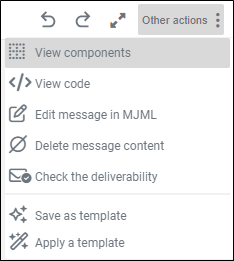
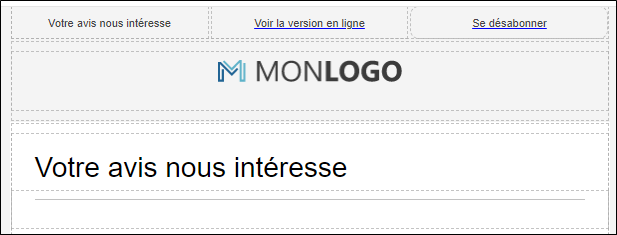
 View components
This will clearly highlight the sections and columns in the body of the message.
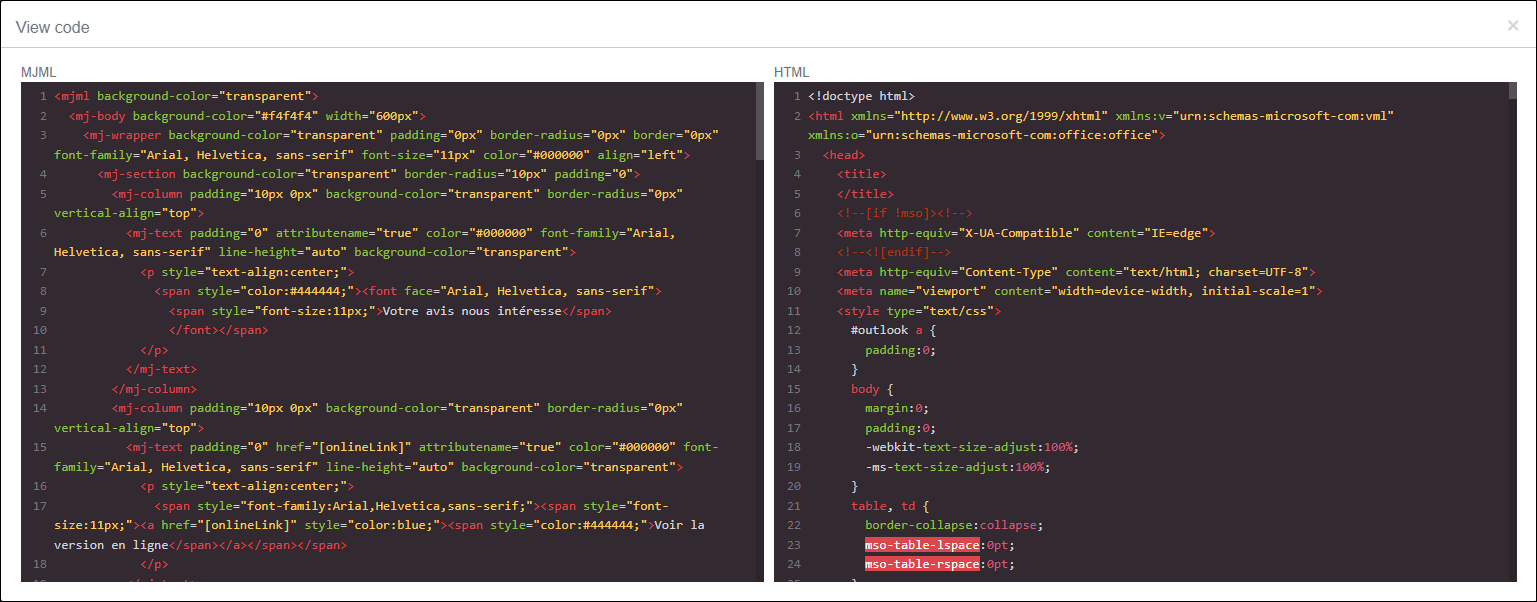
View code
This option displays the code in MJML / HTML format, which can be copied if required.
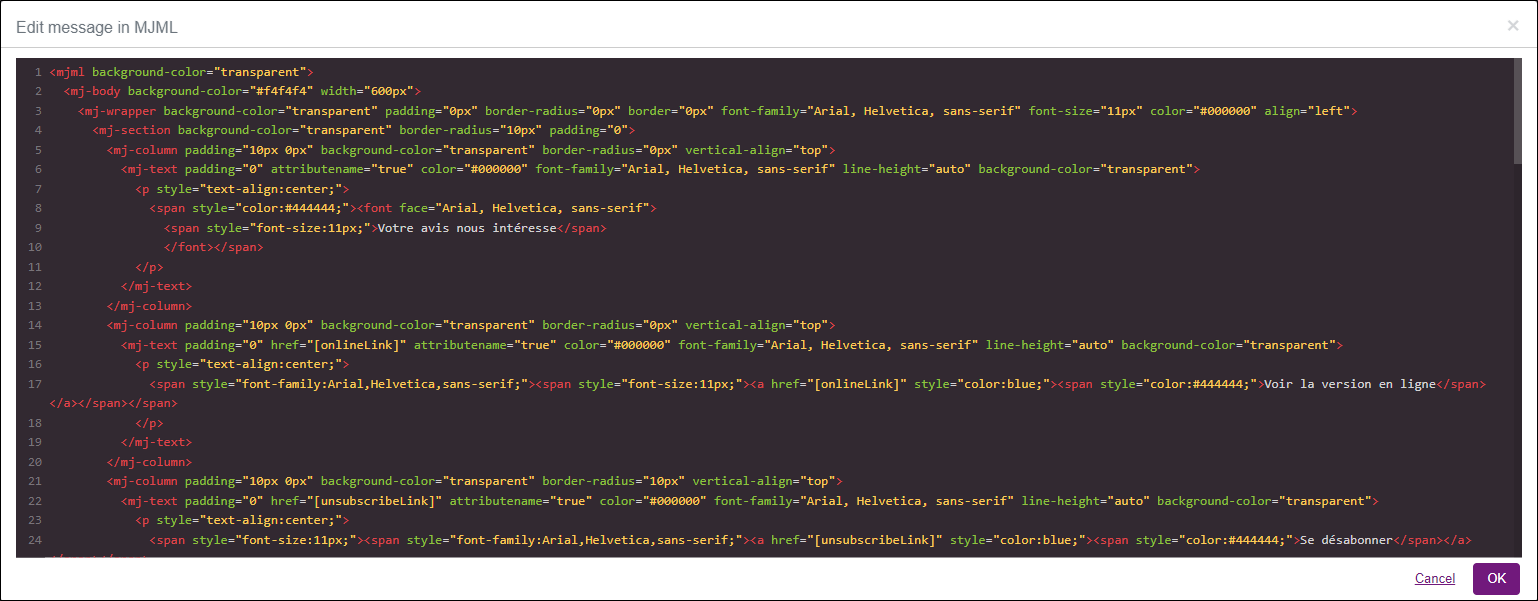
Edit message in MJML
This option allows you to edit your message code directly. It is intended for experienced users with IT expertise.
Delete message content
This option allows you to delete the content of the message, so that you start with empty content.
A confirmation dialog box will be displayed, click on OK to confirm the deletion.
Check the deliverability
This option allows you to check that the message is correctly configured (presence of the link to the questionnaire, detection of words considered as spam, etc.). A window will be displayed with the incorrectly configured or missing elements, identified by the  icon .
Items checked in the message
-
Link to the online version of the email: The link to the online version of the email redirects users who are unable to view the content in their email to a browser version. It is advisable to always have a link to an online version in your emailings.
-
Spam words: A spam word is a word monitored by email providers to determine if an email is spam. If your message contains spam words, it is advisable to find alternative terms.
-
Suspected phishing: Phishing is a technique aimed at displaying a link to the user whose content does not correspond to the URL to which it redirects. In order not to be considered as phishing spam, it is advisable to have the same link for both display and redirection of the link.
-
GDPR compliant information statement: A GDPR statement informs and reassures the user about the collection and use of their personal data. It is a guarantee of quality and trust towards your entity.
-
Broken link: The broken link is a link that does not lead to any destination. Please check that the page still exists, that there is no error in entering the URL, or that the site address has not changed.
-
Unsubscribe link: The unsubscribe link allows the user to cleanly unsubscribe from your mailings without clicking on the "report as spam" link. The unsubscribe rate is an important indicator, which allows you to adjust your emailing campaigns and not to be labeled as a spammer.
-
Content at risk: Content is safe when there is no script tag in the message content.
-
Merge fields: Merge fields allow you to customize your emailing according to a given variable. For example, if the survey contains a "name" variable, it is possible to customize the introduction to the emailing with the name of the recipient.
EXAMPLE: During verification, the tool identified spam words in the message such as ‘Bravo’ and ‘reward’. The link to the online version of the email is also missing.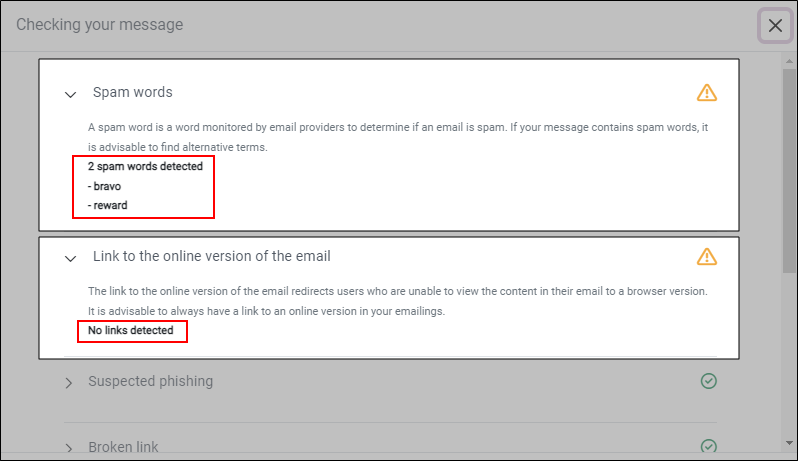
We recommend finding alternative terms to avoid your email being detected as spam and to add a link to the online version of the email in case the recipient is unable to view its content.
NOTE: To ensure the success of your emailing campaigns and optimize their performance, we recommend reviewing the best practices outlined in the following document: Best Practices.
Save as template
You can save the message you have prepared at any time, whether for an invitation or a reminder, as a template for use in other mailings.
To save a message as a template, proceed as follows:
-
Go to the Message part of a mailing.
-
Click on Other actions.
-
Click on the icon
 .
-
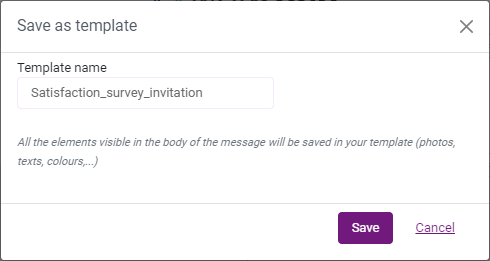
Give the template a name.
-
Click on Save.
NOTE: All the elements visible in the body of the message will be saved in your template (photos, texts, colors,...).
Apply a template
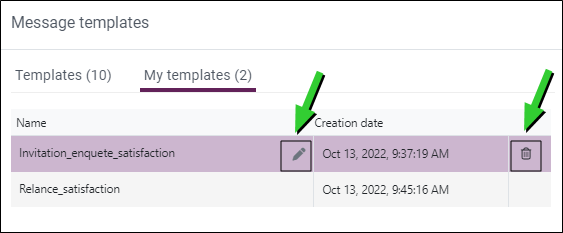
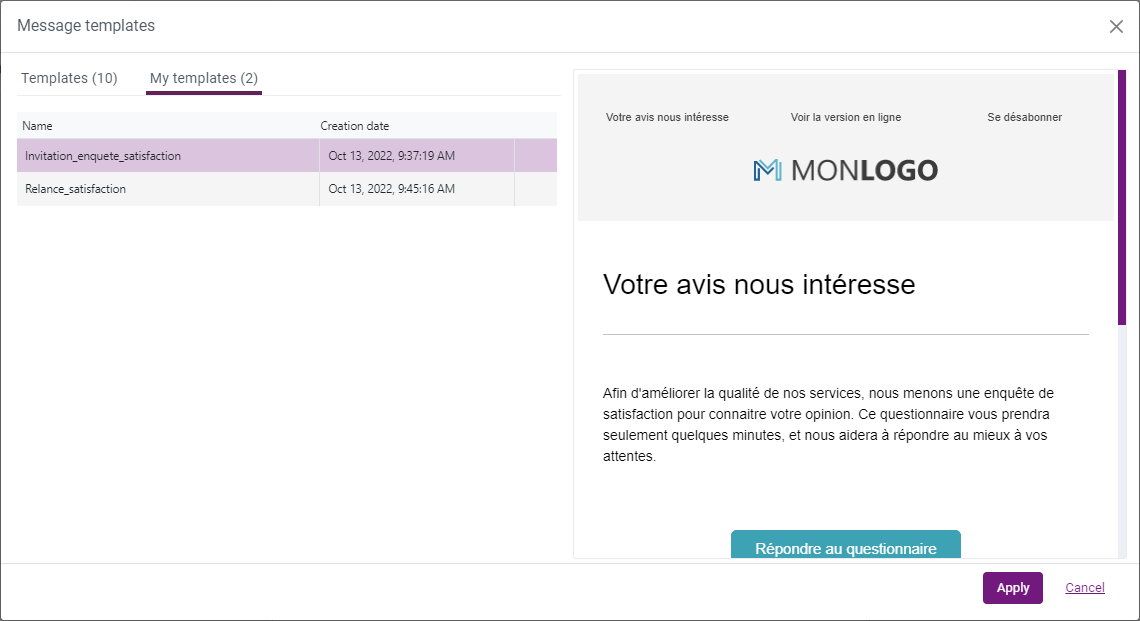
You can apply templates from the list of predefined templates or from the My templates tab if you have already saved messages as templates.
-
Go to the Message part of a mailing.
-
Click on Other actions
(at the top right of the message) then on Apply a template. -
Click on My templates.
-
Select the template to use.
-
Click on Apply.
You can delete a template or rename it at any time.