Group modalities
In the case of an analysis containing variables of closed or scaled types, it is possible to group the modalities of a qualitative variable.
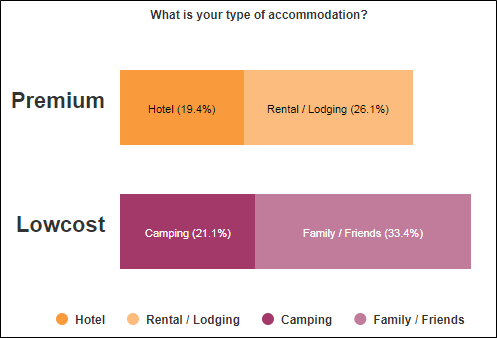
EXAMPLE: In a tourism survey and in the case of an analysis of the type of accommodation (hotel, family / friends, rental / lodging, camping) we may want to group them in « Premium » and « Low-cost » to have a more synthetic analysis reading.
To group modalities, do the following:
-
Select your analysis.
-
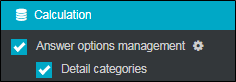
In the options tab, calculation category, check the Answer options management box,.
-
Click the button
 .
-
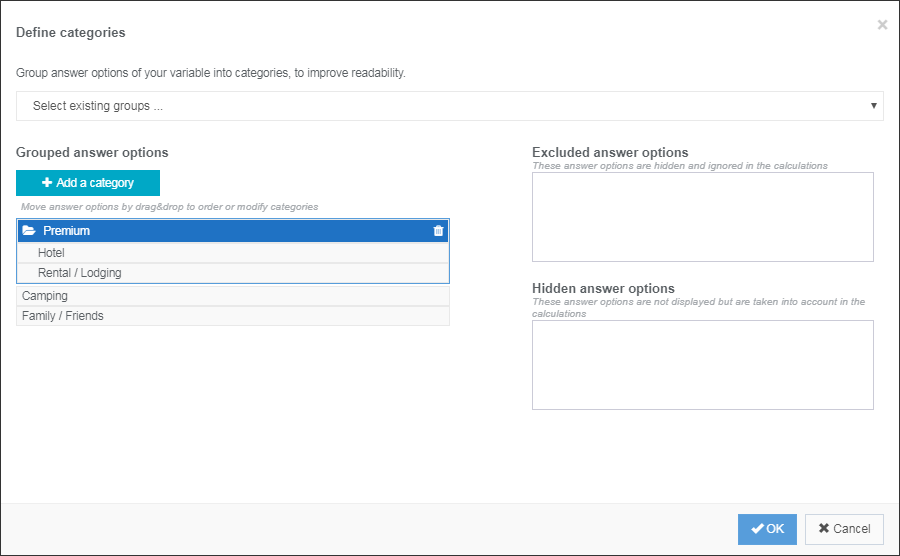
Click on the Add category button to add a new category.
NOTE: You can select groups that you have already made from the Select existing groups ... drop-down menu .
-
Move modalities by drag & drop to order / edit categories.
-
(optional) You can hide/exclude modalities:
-
Excluded modalities: These modalities are hidden and ignored in the calculations.
-
Hidden modalities: These modalities are not displayed but they are taken into account in the calculations.
-
-
Click OK to validate.
-
(optional) Check the option detail categories if you want to detail the content of the created categories.
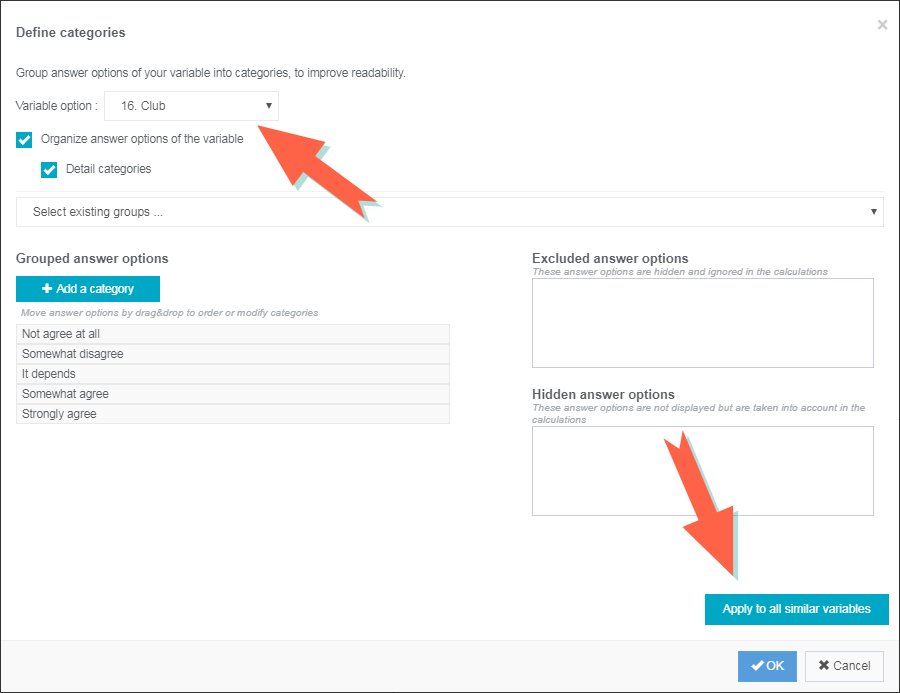
In the case of a cross-analysis containing one or more scaled or closed variables type, it is possible to choose the variable on which the modalities grouping will be effective through the drop-down menu and if you want to apply it to all similar variables.