INSERT AN ANALYSIS IN A FORM
This option allows you to insert analyses in a form (graphs, tables).
EXAMPLE: Display the result of a survey.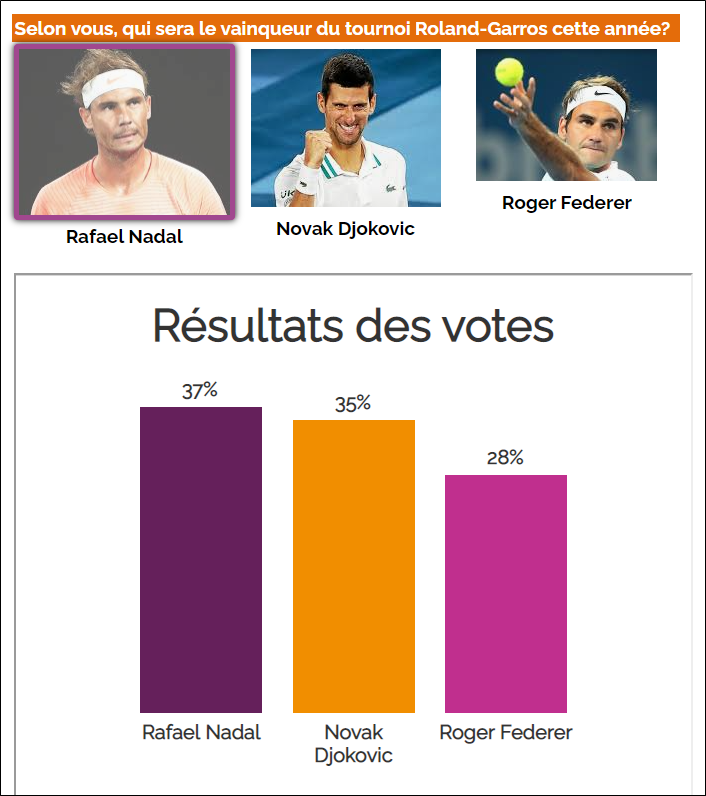
You will need to create an analysis containing the analyses of your choice.
To insert an analysis in your form, proceed as follows:
-
Access the Insert tab.
-
Click on Analysis from the Texts and media group.

-
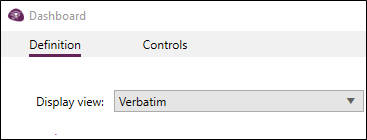
Select the display view to be shown.
-
(Optional) Fill in additional parameters if necessary.
EXAMPLE: We want to force the view to be displayed in English no matter what language the questionnaire/browser is entered in.
The parameter to use in this case: "lang=en".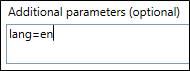
To limit the results display of an analysis to the current observation, proceed as follows:
-
From the Analysis of results.
-
Access the view concerned and click on the view Properties button.
-
Click on the Calculation tab.
-
Click on the pencil to define a profile.
-
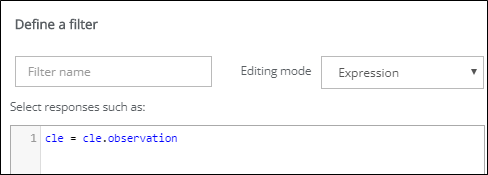
Choose the Expression editing mode from the drop-down menu.
-
Enter the following syntax: cle = cle.observation.
EXAMPLE: We want the respondent to be able to compare their results (after completing the questionnaire) to the overall results of the ideal vacation survey.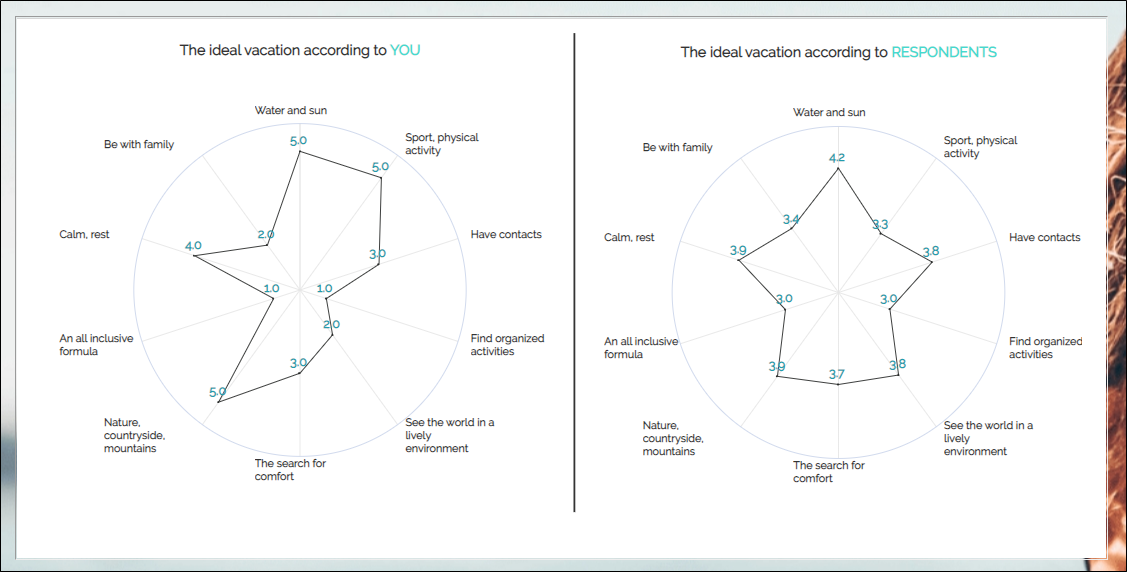
To do this we applied the procedure described above to the relevant view to limit the profile to the current observation. In order for the graph on the right to always display the global results, we checked the option Always calculate on the total sample from the filter options.