CHANGE THE NAVIGATION MODE
It is now possible to define the navigation mode to be used to go to the next page when entering a questionnaire. You can choose between two navigation modes:
-
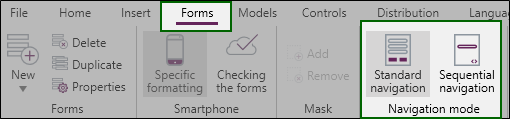
The Standard navigation: the navigation bar is used to move to the next page. It is possible to customize the style and color of the navigation bar.

-
The Sequential navigation: the respondent automatically moves to the next page after completing the questions on the current page.
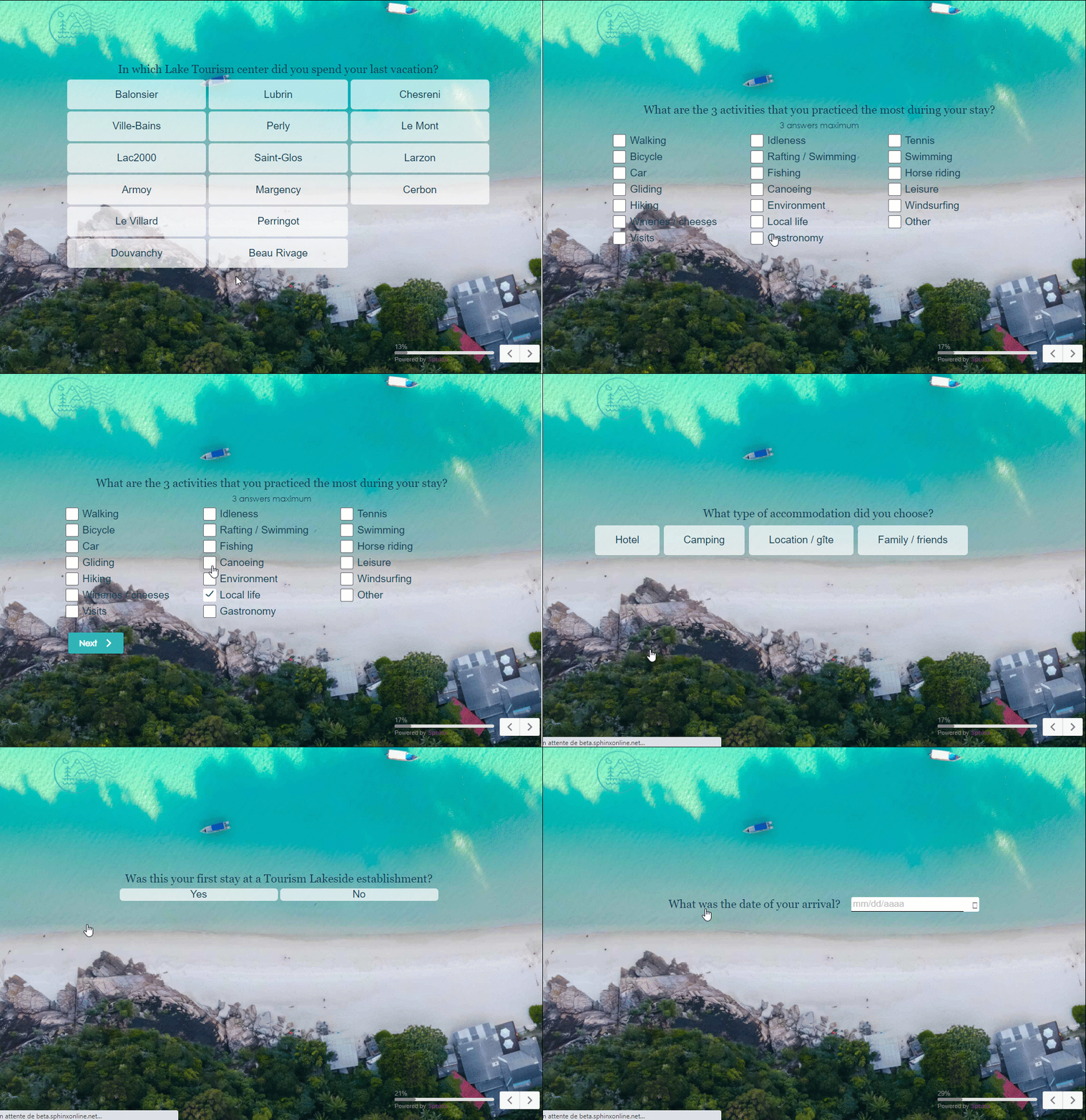
Click on the image for an animated preview
The respondent will always have the option of using a navigation bar (located at the bottom right of the form) to go to the next page, return to the previous page in sequential navigation.

To choose a navigation mode, follow these steps:
-
Access the questionnaire design environment.
-
From the Forms tab, select the navigation mode to use.